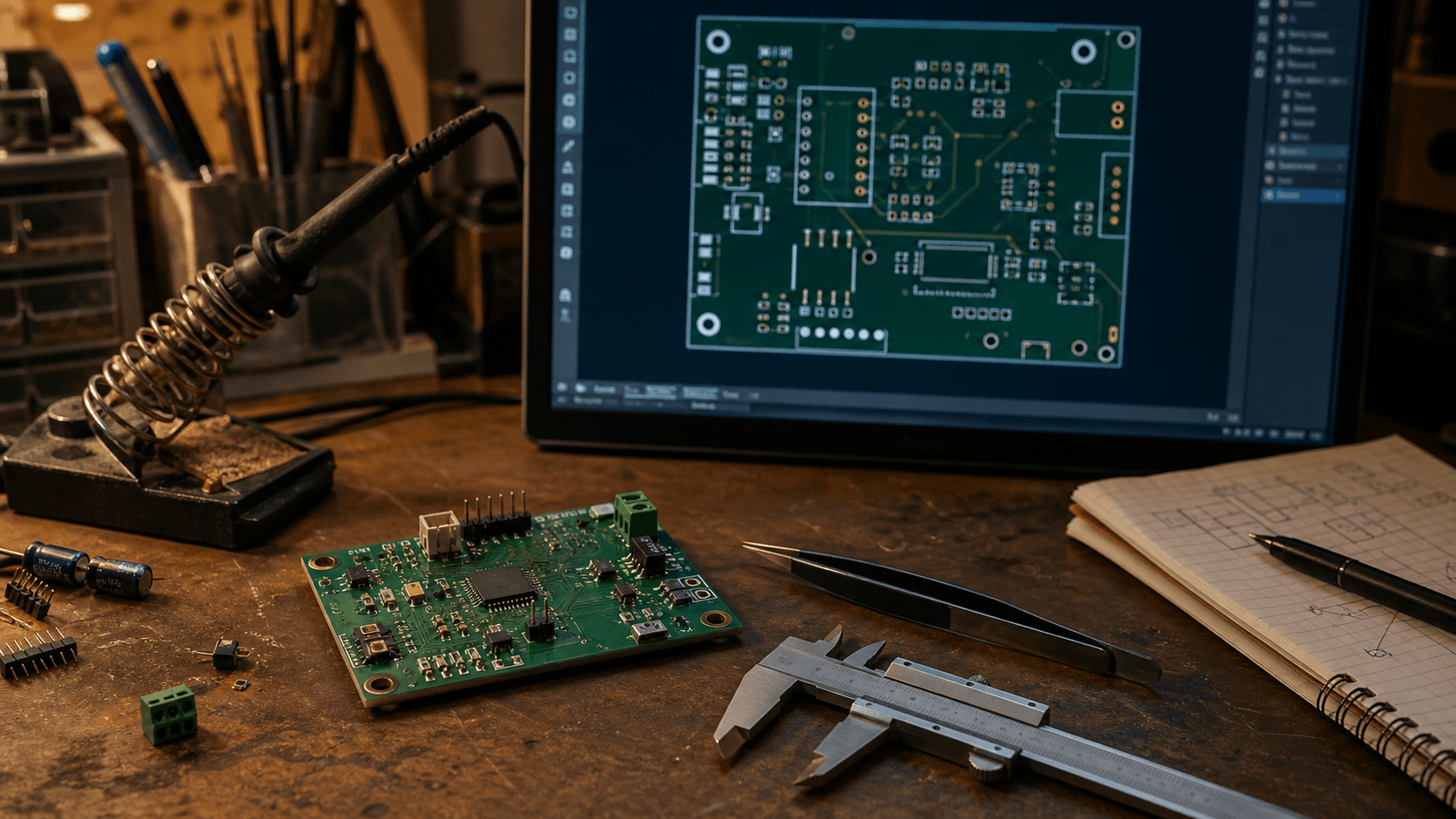
I’ve been meaning to write this up for a little while, because Kobee Studio started out as one of those very practical “I wish this did one more thing” projects.
Kobee Studio is a KiCad plugin for creating editable PCB labels, icons, header overlays, QR codes and other board artwork. It lives inside PCB Editor, and the output stays editable in KiCad.
A bit of credit first
Kobee Studio started as a fork of KiBuzzard, which was made by Greg Davill. KiBuzzard was the thing that got me thinking about PCB lettering as something you could actually enjoy doing, rather than just putting up with whatever tools happened to be around.
So this is definitely not me claiming I invented the idea. The original project did the important bit: it made it possible to turn text into useful PCB artwork. I just kept running into things I wanted to change, and the list got long enough that it started becoming its own project.
Why I started pulling it apart
I was using KiBuzzard for boards of my own and kept wanting a little more control over the result. Sometimes I wanted a label with a proper shape around it. Sometimes I wanted a quick icon or a pin header overlay. Sometimes I wanted to put a QR code on a board and not have to leave KiCad to make it.
At some point I realised I was spending more time thinking about how to extend KiBuzzard than I was actually using it. That is usually a pretty good sign that a side project is trying to become a different side project.
What it can do at the moment
The useful stuff in the current build is:
- Parametric labels with shapes like rounded rectangles, pills, flags, tabs, pointers, chamfers and hexagons.
- Filled, outline and inverted label styles, with control over padding, borders and corners.
- A searchable set of PCB-safe icons and quick labels for things like power, ground, LEDs, inputs, outputs and test points.
- Configurable overlays for single-row 2.54 mm headers, including pin labels, clearances and openings.
- Component callouts for putting a clear label around a real component without replacing its electrical footprint.
- QR codes and Code 128 barcodes with some sensible manufacturing-minded size checks.
- Artwork on silkscreen, copper and solder mask layers, front or back.
Everything is generated as ordinary editable KiCad footprint geometry. It does not change the electrical footprint underneath it, which is probably the most important part of the whole thing.
Where it is at
This is still very much a work in progress. I’m testing the current plugin with KiCad 10 on macOS and Windows, but there are still plenty of edges I haven’t found yet. Linux is on the list, though I wouldn’t use it for anything critical until I’ve done a lot more testing there.
I’m also trying to be careful about the difference between “looks good in the preview” and “will actually be a useful thing to manufacture”. PCB artwork has a way of looking fine on a screen and becoming silly once it is small, crowded or on the wrong layer.
What I want to do next
I’d like to keep moving this in the direction of a proper little PCB graphics toolkit, but still keep it understandable and editable. The things I’m thinking about next are better presets, importing custom SVG artwork, dual-row and other connector helpers, reusable styles and templates, batch labels, and more useful warnings before artwork gets sent off to a manufacturer.
There are also a lot of boring-but-important jobs left: more platform testing, better regression boards, and making sure older artwork keeps opening properly. I’m trying not to skip those just because a new feature is more fun to build.
Have a look, if this sounds useful
The project is on GitHub here: github.com/mrcpuddington/kobeestudio
There are release files and install notes in the repository, and I’m slowly putting together some Kobee Studio docs as I go.
If you have used KiBuzzard, or you just make a lot of PCB labels, I’d genuinely like to know what you think is missing. Is this the sort of thing that would make your board workflow nicer, or am I just building the very specific tool I wanted for my own boards?